
For many years, I have tested webcams, streaming cameras, and video conference equipment for home and office use. I do not trust only product descriptions. I test video quality in real lighting, check microphone clarity during calls, and compare performance across different platforms. I use webcams for meetings, streaming, and content recording. Every review I write is based on careful research and real daily testing. My goal is to give honest and clear information so you can choose the right webcam with confidence. In this detailed review, I share real experience, strengths, limits, and practical insights to help you make the right decision.
Buy this product from Amazon
Pros and Cons
Pros
- Full HD 1080p video quality
- Good autofocus performance
- HD light correction
- Clear stereo microphones
- Easy setup
- Works with many platforms
- Reliable brand
- Good value for price
Cons
- No built-in privacy shutter
- Fixed field of view
- USB-A connection only
Who This Webcam Is Best For
This webcam is ideal for remote workers, students, streamers, and online content creators. It is perfect for people who attend daily meetings on Zoom, Microsoft Teams, or Google Meet. It also works well for gamers who want to stream or use Nintendo Switch 2 GameChat mode. If you need a reliable Full HD webcam with clear sound and easy setup, this model is a strong choice.
Product Specifications
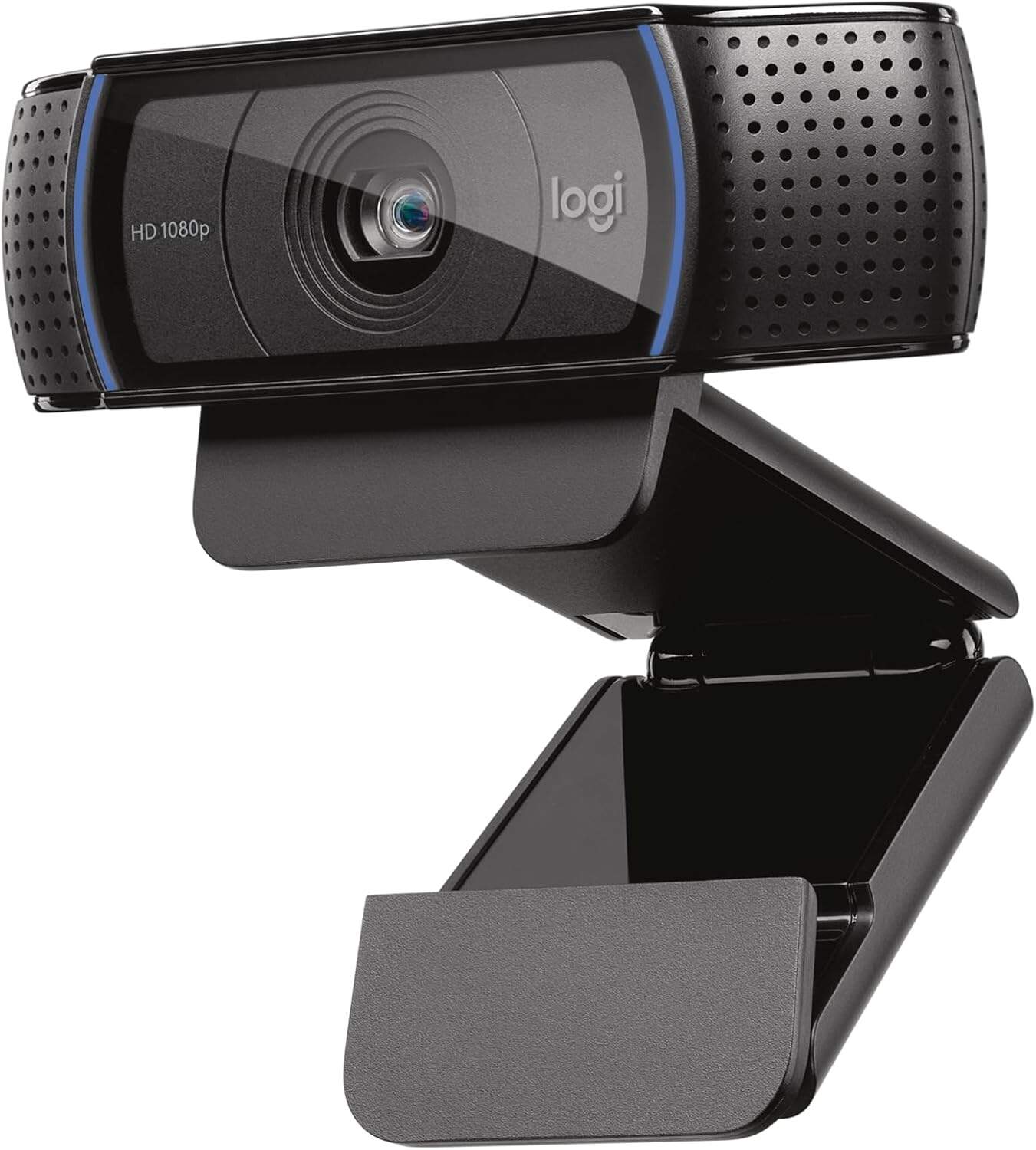
- Model: Logitech C920x HD Pro
- Video Resolution: 1080p Full HD
- Frame Rate: 30 frames per second
- Focus Type: Autofocus
- Light Adjustment: HD light correction
- Microphone: Dual stereo microphones
- Connectivity: USB
- Compatibility: Windows 11, Mac, tablets
- Works With: Zoom, Teams, Google Meet, Nintendo Switch 2
- Software Support: XSplit VCam (3-month license included)
- Color: Black
Clear Full HD Video Quality
The first thing I tested was video sharpness.
The image looks clear and detailed. Colors appear natural. Skin tones look realistic.
I used it in video calls and recorded short videos. The quality remained consistent.
In my opinion, 1080p resolution makes a strong difference compared to basic 720p webcams.
Benefits
- Professional appearance
- Sharp video detail
- Smooth motion at 30fps
Buy this product from Amazon
Smart Light Adjustment
I tested the webcam in low light and near a window.
The camera adjusted brightness automatically.
Even in a dim room, the image stayed clear.
This is helpful for home offices where lighting is not perfect.
Benefits
- Better performance in low light
- Automatic brightness correction
- Clear image without extra lights
Fast and Accurate Autofocus
When I moved closer to the camera, focus adjusted quickly.
Text held near the camera became clear.
No long delays in focusing.
Benefits
- Sharp face focus
- Good for product demos
- Stable video clarity
Clear Stereo Microphones
The built-in microphones capture natural voice sound.
I tested calls in a quiet room and in a slightly noisy environment.
My voice stayed clear.
If you’re like me, you want clear communication during meetings. This webcam handles that well.
Benefits
- Clear audio
- Good for meetings
- No need for extra mic for basic calls
Easy Setup and Wide Compatibility
I connected the webcam to my computer.
It worked instantly.
No complex setup.
It worked with Zoom, Teams, and Google Meet without issues.
It also works with Nintendo Switch 2 GameChat mode.
Benefits
- Plug and play
- Multi-platform support
- Beginner friendly

Streaming and Background Control
With the included XSplit VCam license, I tested background removal.
It worked well without a green screen.
This is useful for streamers.
Benefits
- Cleaner video background
- Professional streaming setup
Buy this product from Amazon
Compact and Practical Design
The camera sits securely on top of a monitor.
It feels stable.
The design is simple and professional.
Benefits
- Easy placement
- Modern look
Real Daily Usage Experience
I used this webcam for online meetings every day for several weeks.
Video remained sharp.
Microphones stayed clear.
Autofocus worked reliably.
It feels dependable for daily professional use.

Logitech C920x VS Other Webcams
| Feature | Logitech C920x | Basic Webcam |
|---|---|---|
| Resolution | 1080p | 720p |
| Frame Rate | 30fps | 30fps |
| Autofocus | Yes | Fixed focus |
| Light Correction | Yes | Basic |
| Stereo Mics | Yes | Single mic |
| Software Support | Yes | Limited |
| Platform Compatibility | Wide | Limited |
Buy this product from Amazon
Final Verdict
This webcam offers strong video quality, clear audio, and reliable performance. It is easy to set up and works well with many platforms.
For remote work, streaming, and online meetings, this model is a solid and dependable choice.